As a Site Admin in Telsen, you have extended access in the Settings tab compared to Site Viewers. This guide explains what you can see and manage.
When you access the Settings tab as a Site Admin, you will see three tabs:
Organisation
Products, Suppliers
Equipment

See below for a breakdown of what can be managed in each tab.
Organisation Tab
Company details:
View your organisation’s information such as company name and contact details.
Access the QR code to log back into the Telsen app if needed
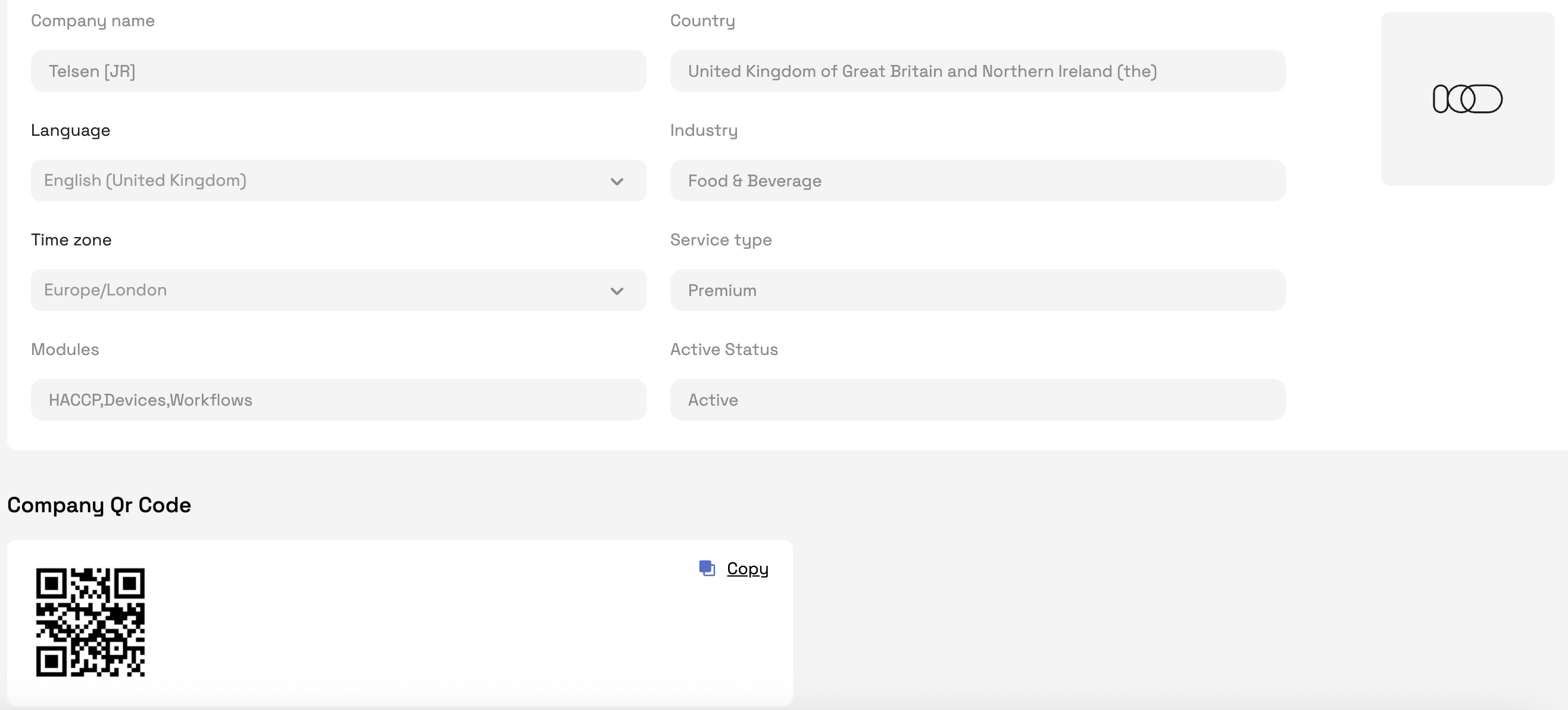
Sites:
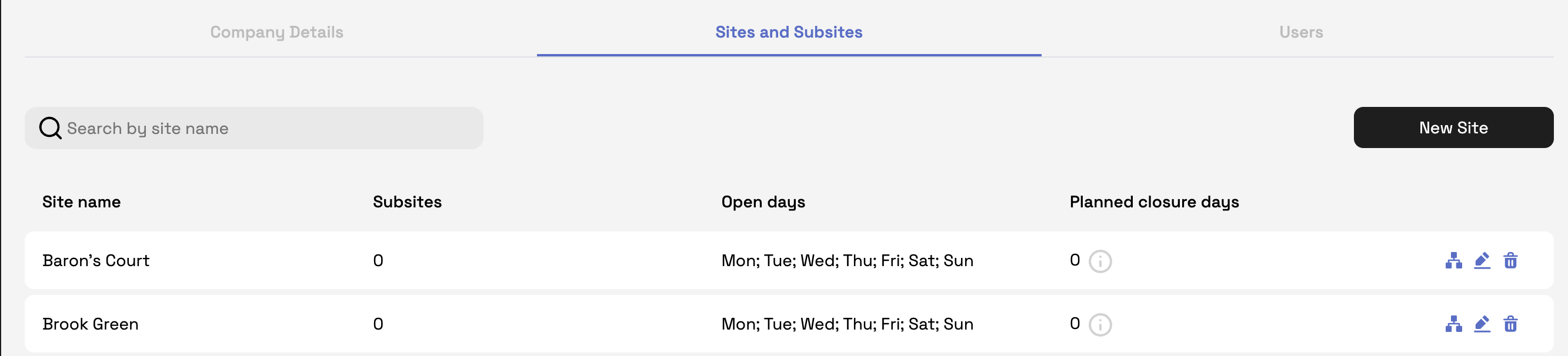
- Create a new site.
- View and update details for the sites you manage.
- Set or edit open and closed days.
- Add planned closure days when your site won’t be operating. For days that the sites are set to close, workflows will not appear on the report.
Users:
- Add and manage users
- Site admin is only able to assign Site Viewers

Products and Suppliers Tab
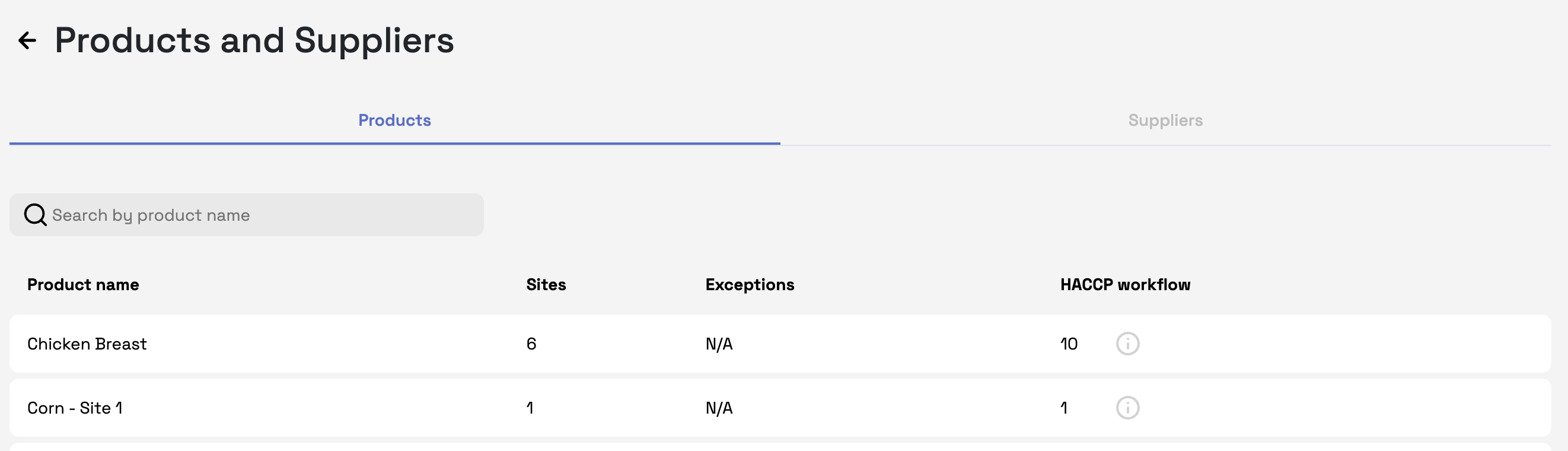
View all products and suppliers linked to your organisation.
Check which products and suppliers are assigned to specific sites or workflows.
Note: Site Admins cannot add new products or suppliers - this is managed by the Company Admin.
Equipment Tab
Appliances
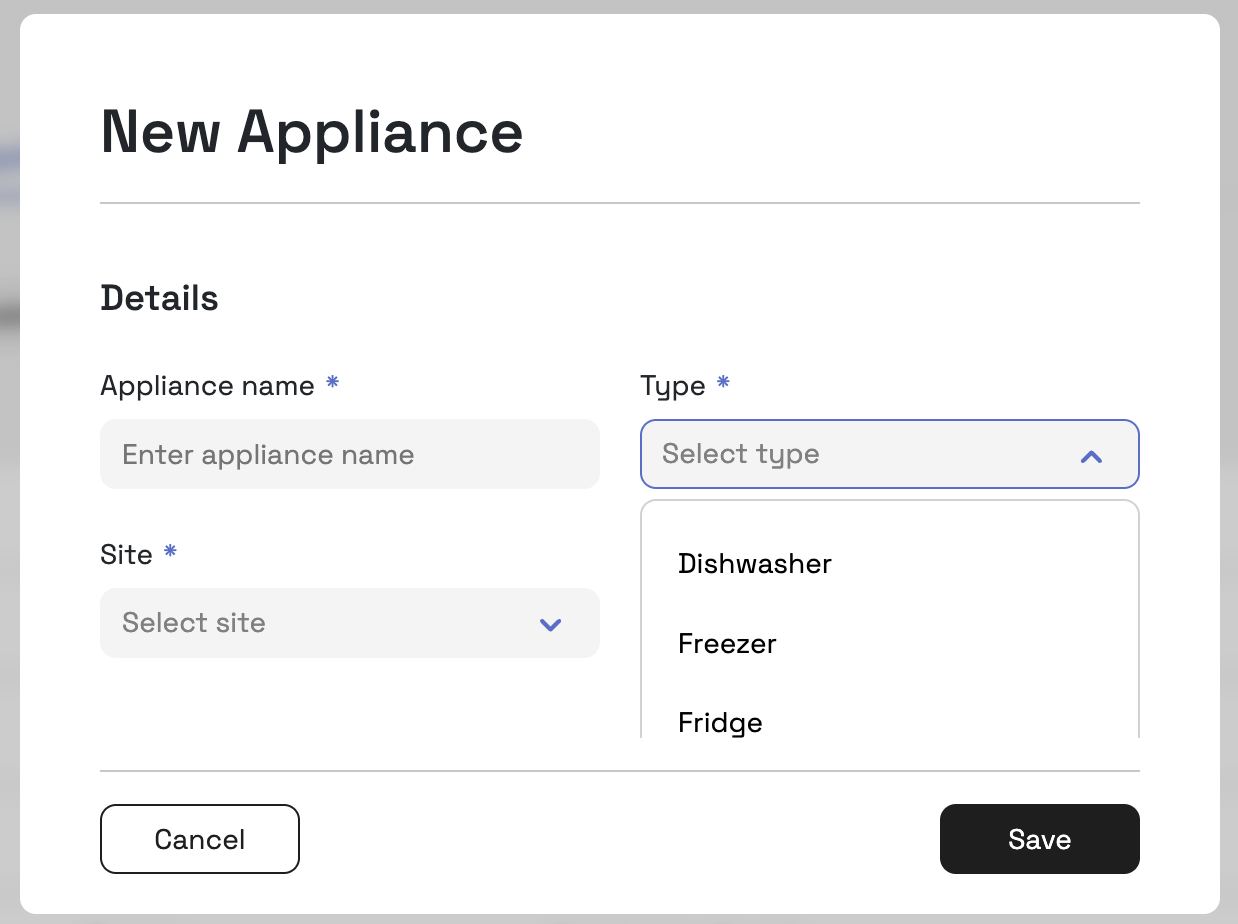
If you are not using sensors to record temperature logs, you will need to manually add appliances in this section so temperature readings can be recorded.
You can add the following appliances:
Fridge
Freezer
Dishwasher
Once added, these appliances will appear in your HACCP workflows on the Telsen mobile app, where staff can type in manual temperature readings via an Appliance Check.
Tip: Make sure each appliance has a clear name (e.g., “Walk-in Freezer 1”) so staff can easily identify it when completing workflows.
Probes
As soon as you complete your first workflow using a probe, purchased through Telsen, it will appear in this section.
From here you can:
Edit and manage probe details.
See when the probe is next due for calibration to maintain accuracy and compliance.
Note: Keeping probe calibration dates up to date is important for HACCP compliance. There is a calibration check that will need to be performed every 30 days (configurable). Your probe will locked until it has been calibrated on Telsen.
Was this article helpful?
That’s Great!
Thank you for your feedback
Sorry! We couldn't be helpful
Thank you for your feedback
Feedback sent
We appreciate your effort and will try to fix the article