As a Site Viewer in Telsen, you have read-only access to information in the Settings tab. This guide explains what you can see and where to find it.
Organisation Details
View your organisation’s information such as company name and contact details.
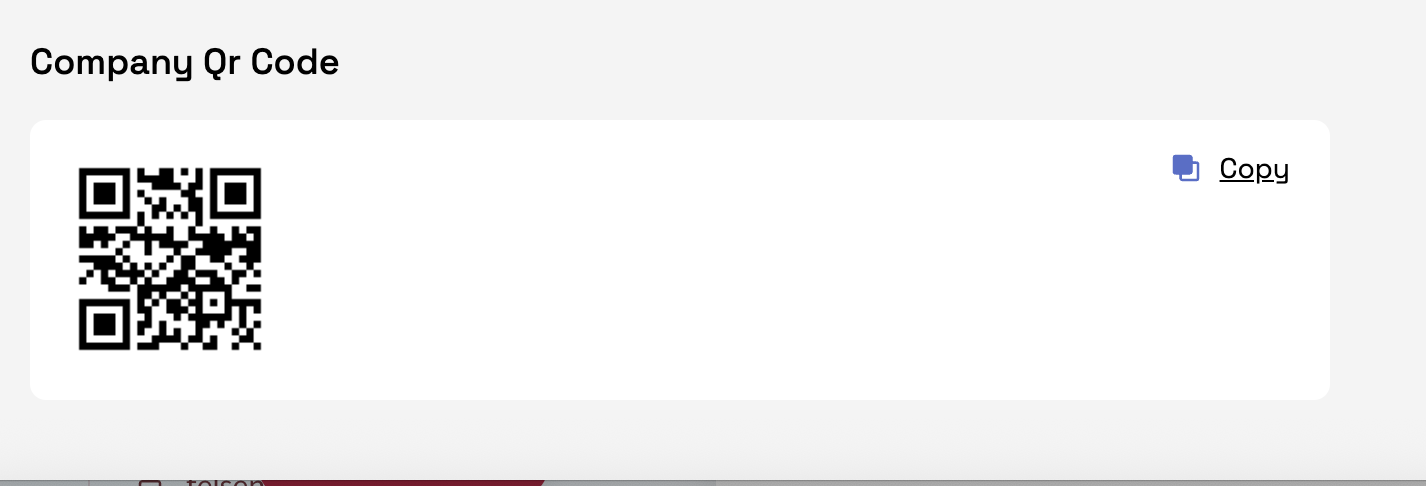
Access the QR code that can be scanned to log back into the Telsen app if needed.
Site Information
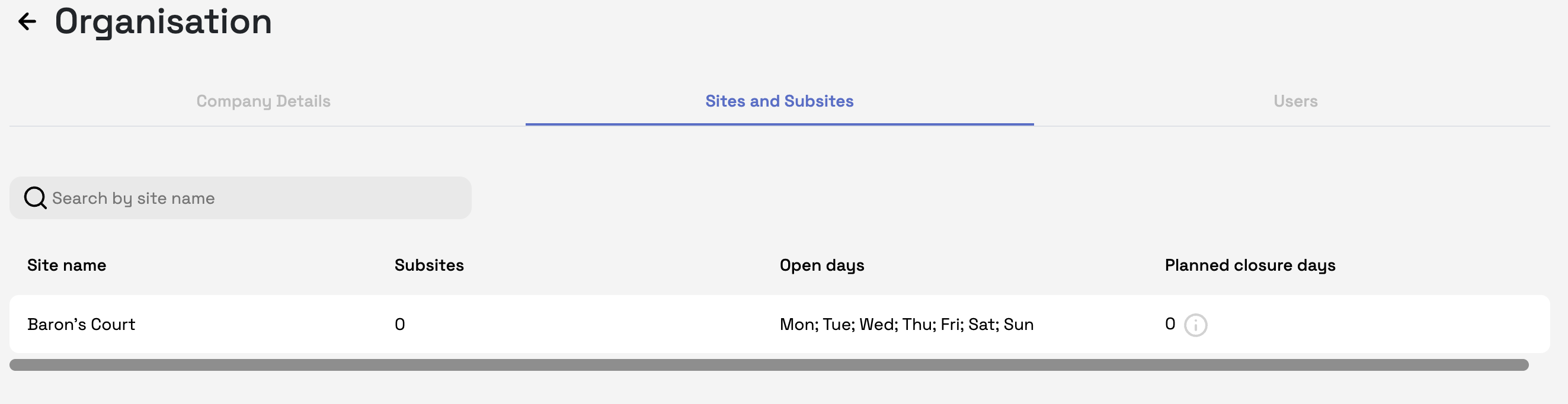
See the details of your assigned site only (no access to other sites).
Check opening and closing days for the site.
View any planned closure days added by your site admins.
Site Users
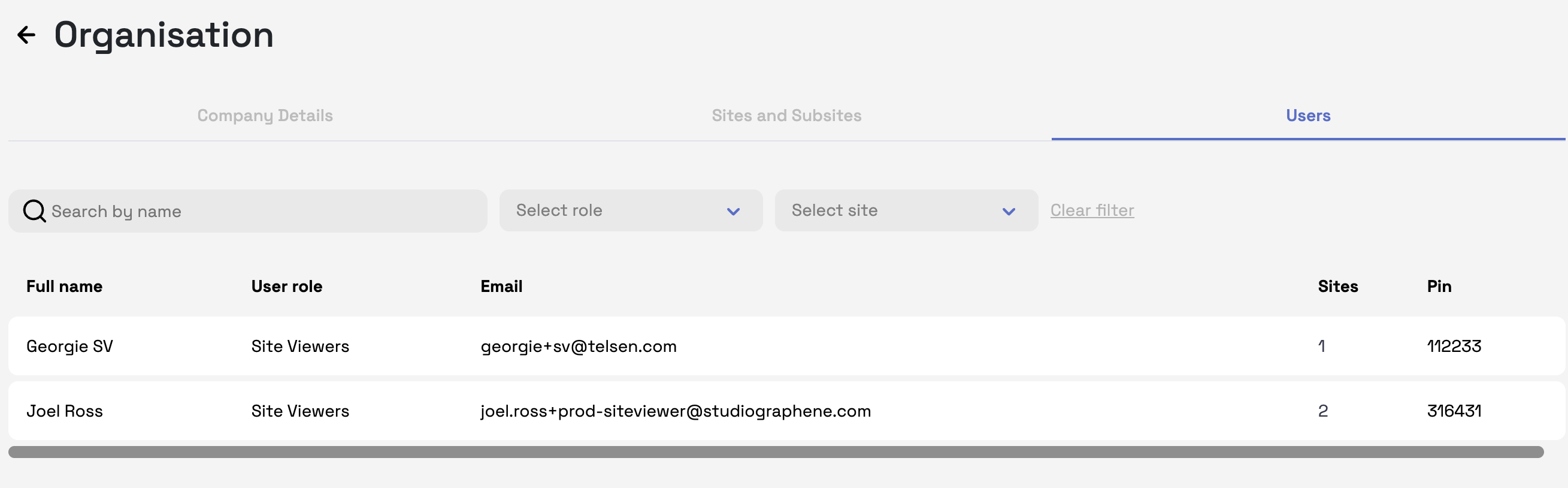
See a list of users assigned to your site.
Identify who is a Site Admin and who is a Site Viewer.
Note: As a Site Viewer, you cannot edit user roles or add/remove people - this is managed by Site / Company Admins.
✅ With the Settings tab, Site Viewers can confirm organisation details, check site schedules, and know who the key contacts are for their site.
Was this article helpful?
That’s Great!
Thank you for your feedback
Sorry! We couldn't be helpful
Thank you for your feedback
Feedback sent
We appreciate your effort and will try to fix the article