A Frozen Hold Check is a two-stage process used to ensure that frozen food items are held at safe temperatures over a defined period. It is typically used for high-risk, ready-to-eat items such as sushi, which must be held at freezing temperatures for a specific time to meet food safety standards.
⚙️ Desktop Configuration
From the HACCP template settings, admins can:
Set temperature/time thresholds for Stage 1 and 2
Add/edit default corrective actions (e.g. Discard, Inform Management)
Configure product and supplier lists
Mobile Workflow
1. Start a New Check
Select Frozen Hold from HACCP workflows
Choose or add a product, and enter a reference number (up to 20 characters)
2. Stage 1 - First Temperature
Connect a probe or enter the temp manually
If below the guidance temperature a 24-hour timer starts (configurable on desktop)
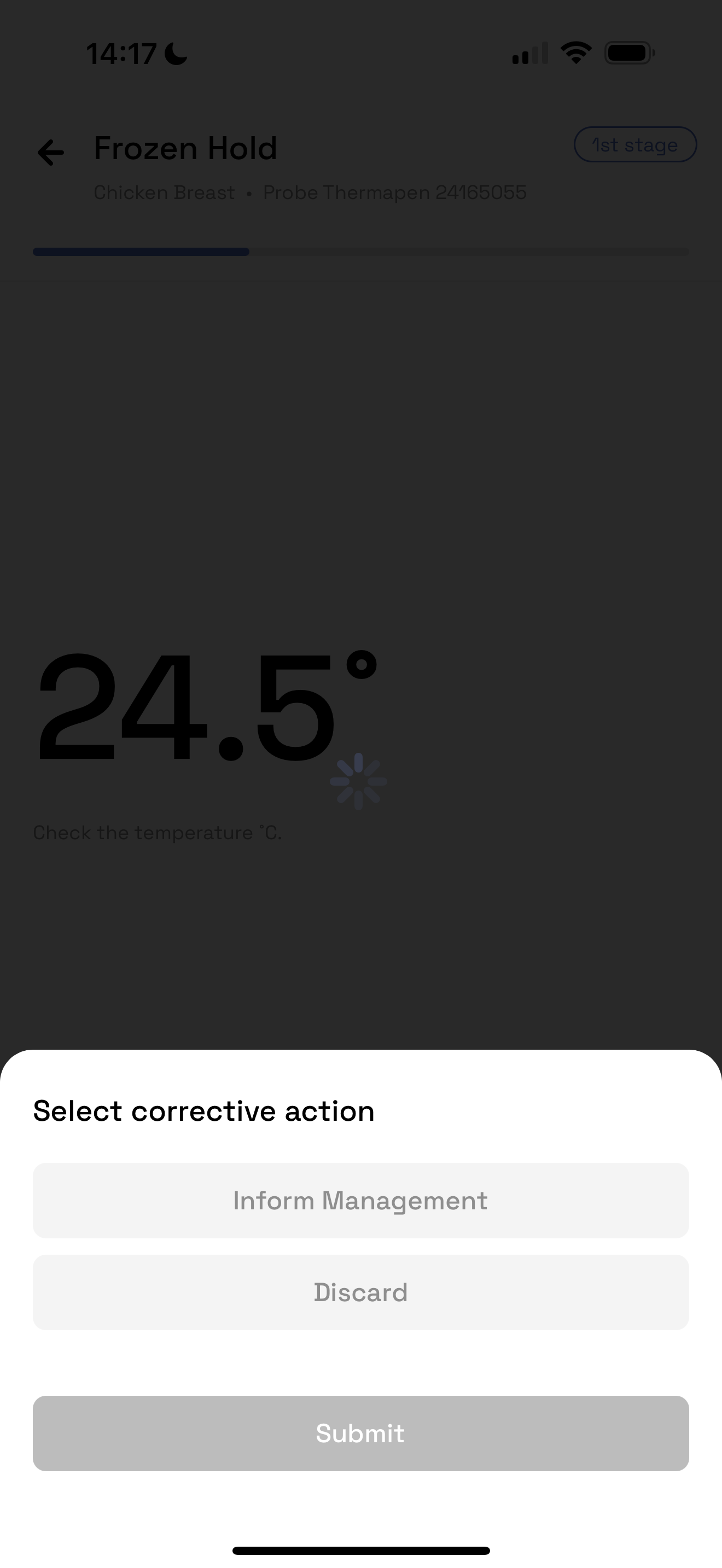
If above the guidance temperature, a corrective action must be logged and the check is closed
3. In Progress View
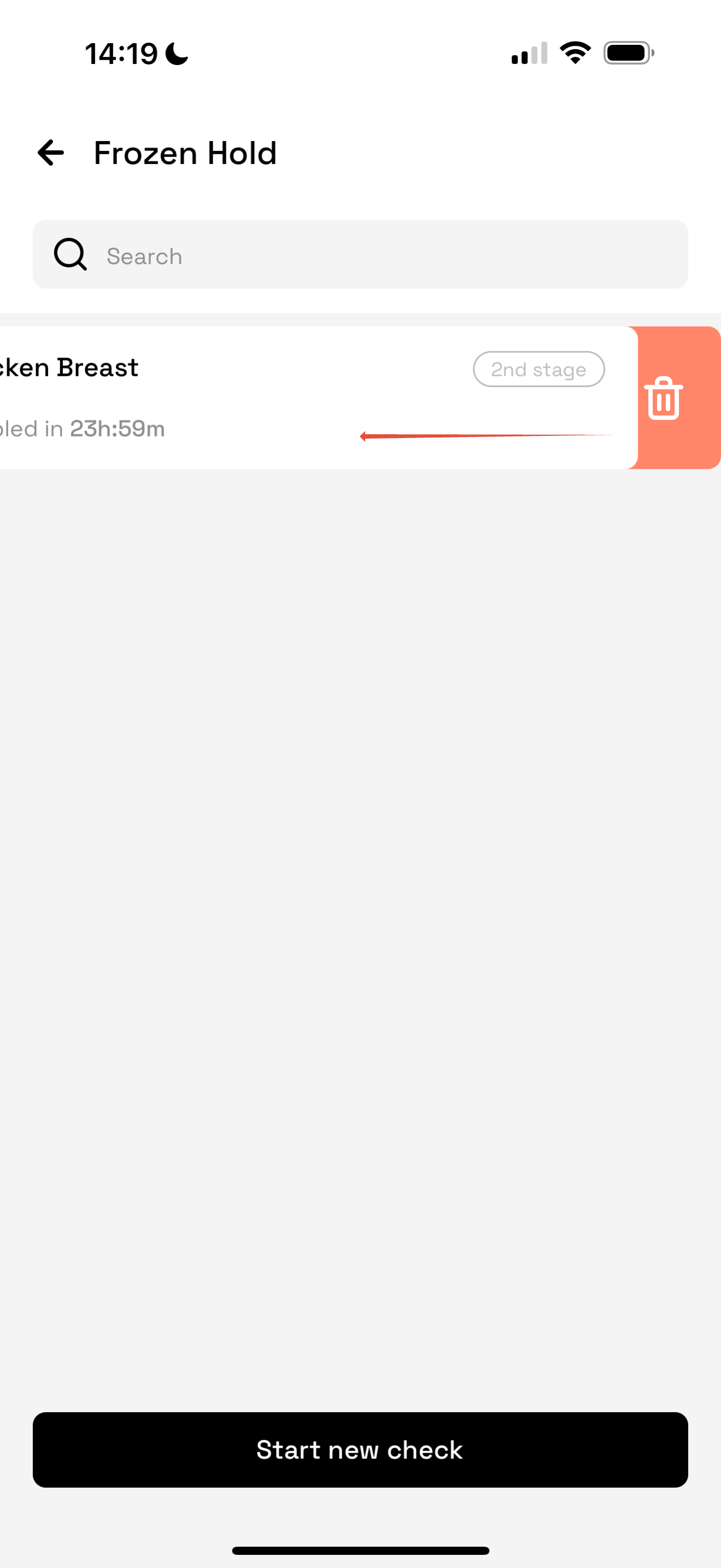
Active checks show timers and greyed-out Stage 2
Users can delete an in-progress check by swiping left
4. Stage 2 - Second Temperature
After 24h, Stage 2 unlocks and notifies the user via push notification
Users log the second temp:
If below set temperature the check is complete
If more than the set temperature → corrective action required
5. Check Summary & Log
After submission, users see a summary of both stages and total duration
Tap View Logs to see the record
View this under the HACCP Template report
⏰ Notifications
Users are alerted 30 minutes before Stage 2 expires
Checks expire after 48 hours if not completed
Was this article helpful?
That’s Great!
Thank you for your feedback
Sorry! We couldn't be helpful
Thank you for your feedback
Feedback sent
We appreciate your effort and will try to fix the article