The Cook to Cool workflow ensures that hot food is cooled down safely within a controlled timeframe, reducing the risk of bacterial growth. This is a two-stage process tracked and recorded in the HACCP workflow section of the Telsen app.
Stage 1 - Open the Cook to Cool Workflow
Open the Telsen app on your device.
Go to the HACCP Workflow section.
Select the “Cook to Cool” workflow.
Tap “Start New Check.”
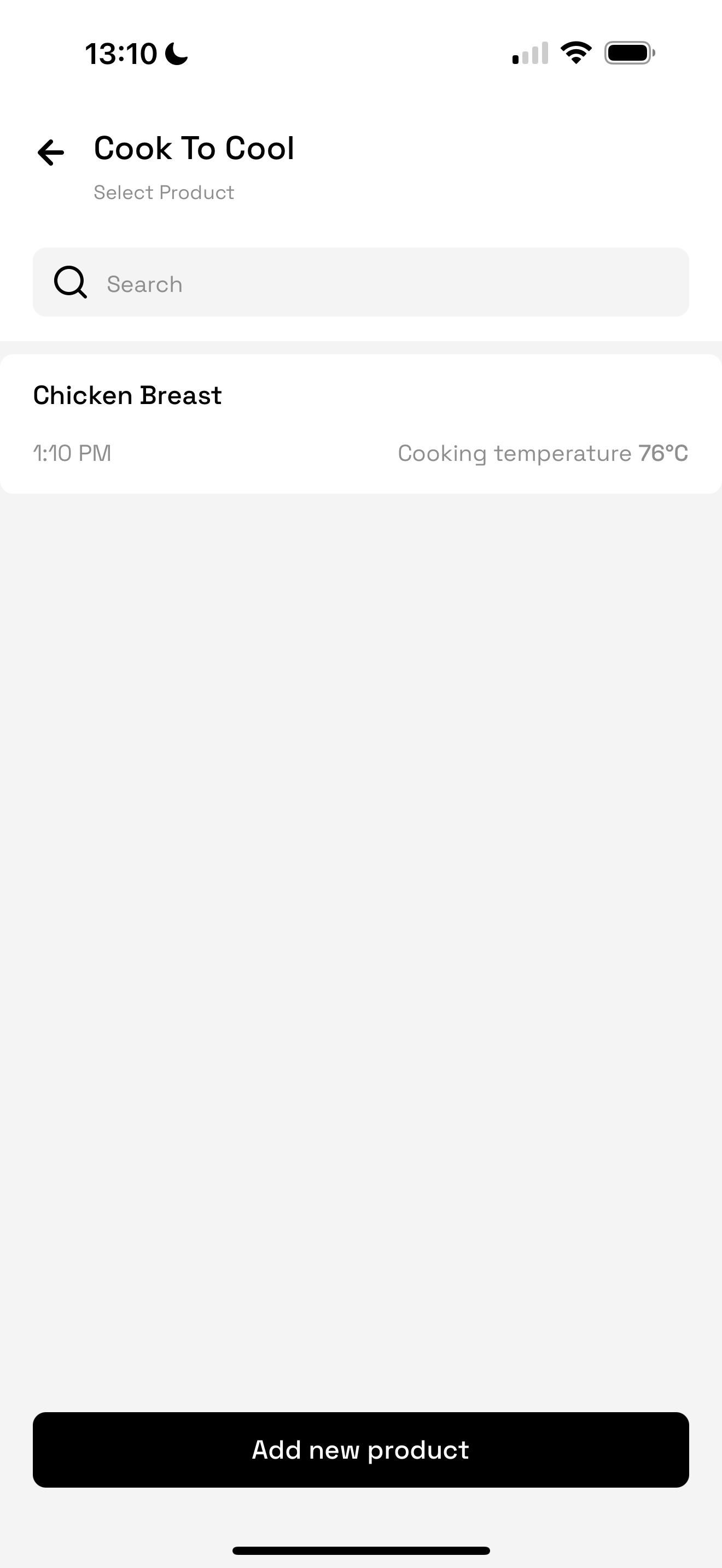
You will see any recently cooked products here.
Alternatively, add a new product.
Record the temperature of this product and press submit.
Proceed to Stage 2
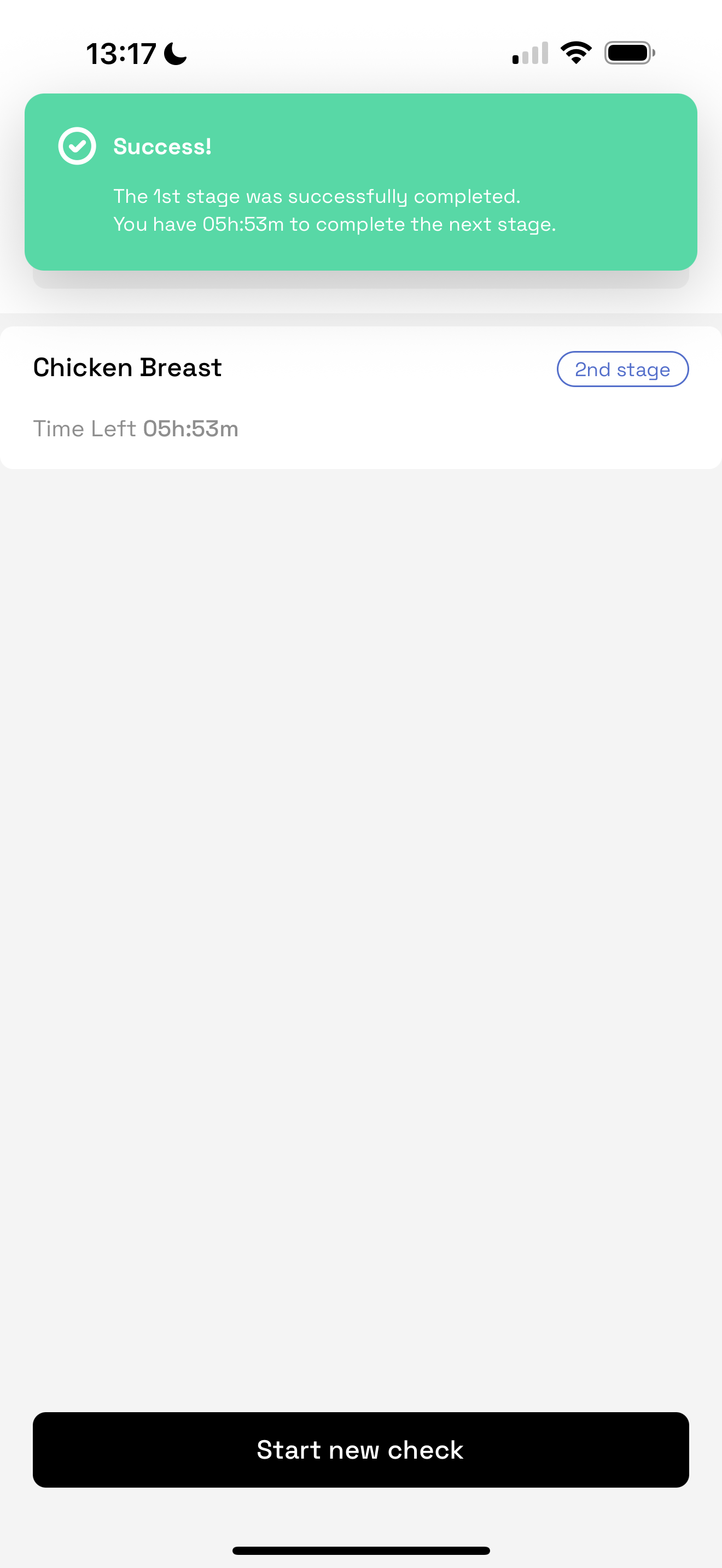
Once Stage 1 is successfully completed, the system will automatically prompt you to begin Stage 2.
This stage must be completed within a set time window (also configured in HACCP).
During Stage 2, you will:
Verify that the food has cooled sufficiently
Enter the final temperature reading, either via probe or manual entry
Submit and Review the Check
After completing both stages, submit your check.
The system will generate a log of the process for recordkeeping.
You can view this at any time that day by selecting “View Log” from the workflow history.
Site / Company Admin will be able to see this entry in the HACCP report on desktop
Best Practices
Ensure Cooking checks are completed first - this data powers the Cook to Cool process.
Complete both stages within their respective time limits to maintain compliance.
Regularly check your notifications so no check is missed or expires.
Was this article helpful?
That’s Great!
Thank you for your feedback
Sorry! We couldn't be helpful
Thank you for your feedback
Feedback sent
We appreciate your effort and will try to fix the article